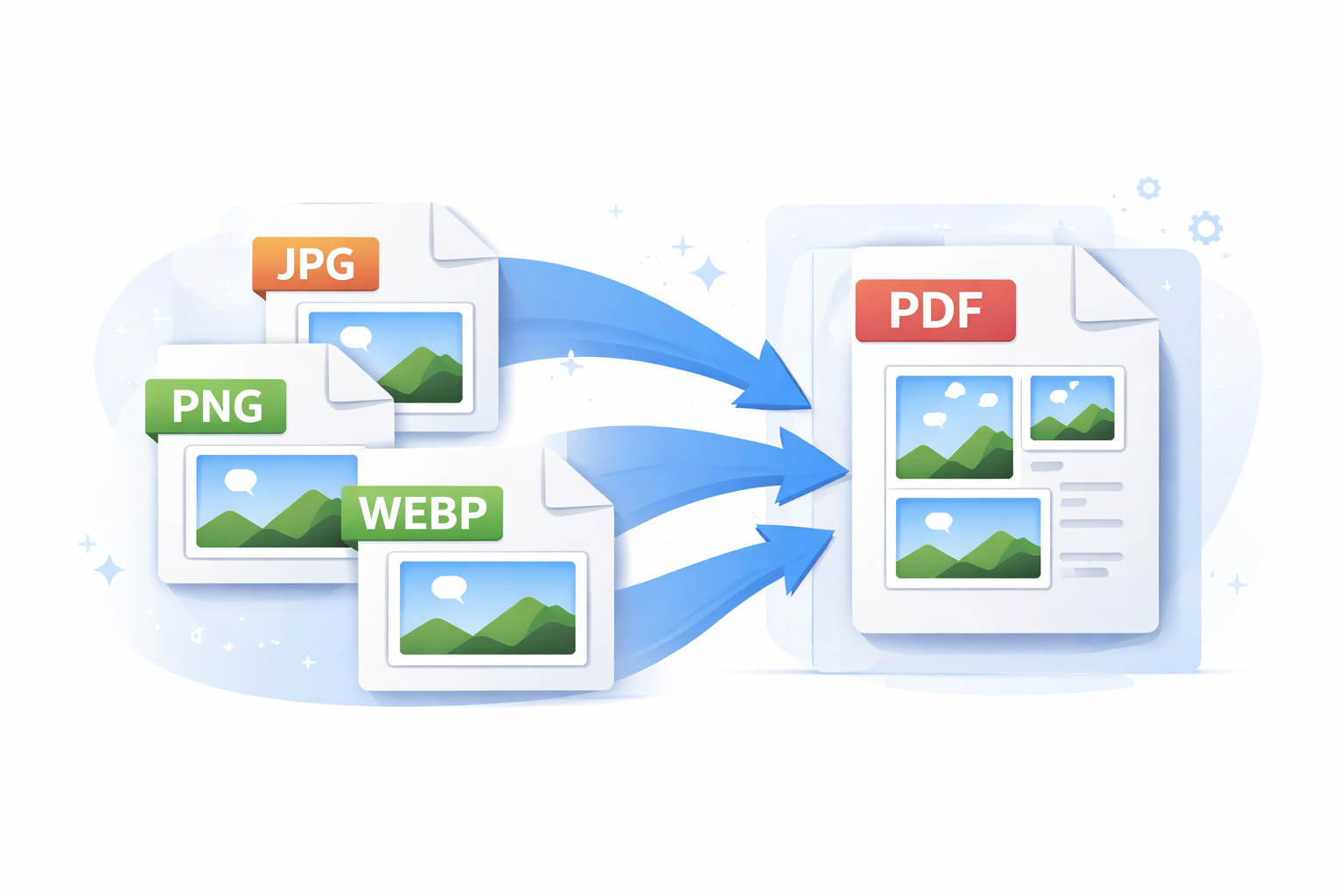
Converting images into PDF files is one of the most common digital tasks. PDFs are widely accepted for sharing, printing, and documentation because they preserve layout and quality across devices.
Using an online image to PDF converter is the easiest way to create professional PDF documents without installing any software.
Benefits of Image to PDF Conversion
-
Easy sharing
-
Professional formatting
-
Multi-image support
-
Print-ready output
Steps to Convert Images to PDF
-
Upload your images
-
Arrange order if needed
-
Convert instantly
-
Download the PDF
ToolBee’s Image to PDF tool simplifies this process while preserving image clarity and layout.
❓ FAQ Section
Q1. Does converting images to PDF reduce quality?
No, quality is preserved when using a reliable tool.
Q2. Can I merge multiple images into one PDF?
Yes, multiple images can be combined into a single PDF.
Q3. Is image to PDF conversion free?
Yes, ToolBee provides free image to PDF conversion.